E-reader Buying Guide India 2026: E Ink vs Tablet, Screen Size, Formats and Features
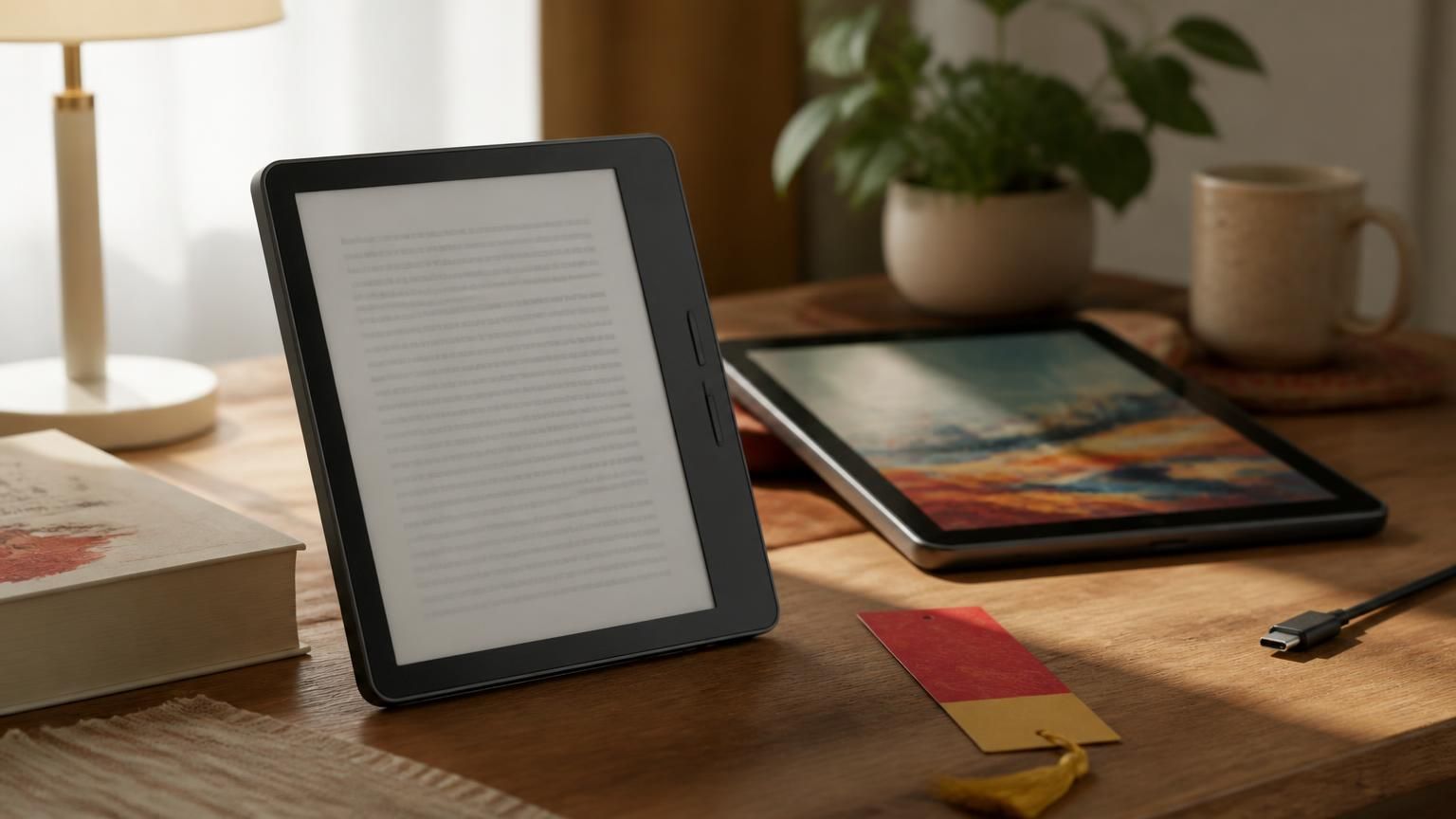
An e-reader is designed primarily for reading digital books. Its biggest difference from a conventional tablet is the display: many dedicated readers use reflective E Ink technology that resembles printed paper and can remain readable in bright ambient light. Tablets use LCD or OLED displays and are more versatile for video, browsing, apps and colour content.
The right choice depends on what you read, where your books come from and whether you need handwriting, colour, PDFs or a distraction-light reading device. Before buying, check the screen, supported formats, library ecosystem, storage and how easily you can transfer your existing books.
The short answer
- Mostly novels and text-based books: a compact monochrome E Ink reader is often the simplest fit.
- PDFs, textbooks and technical documents: consider a larger screen; small readers can make complex pages uncomfortable.
- Colour comics and illustrated material: compare colour E Ink readers with tablets, remembering that colour E Ink has different contrast and refresh characteristics from LCD/OLED.
- Check the book ecosystem first: supported formats, DRM, library access and transfer options can matter more than storage.
- Front light, adjustable warmth and physical page buttons are comfort and convenience features, not mandatory requirements.
- Do not assume every EPUB or PDF file will work perfectly: DRM, layout and software support vary.
1. E Ink reader vs tablet
| Feature | Dedicated E Ink reader | Tablet |
|---|---|---|
| Main purpose | Long-form reading | General apps, media and productivity |
| Display | Reflective electronic paper | LCD or OLED |
| Bright sunlight | Usually readable using ambient light | Depends on screen brightness and reflections |
| Colour and video | Limited or specialised on colour E Ink | Better for colour, animation and video |
| Battery behaviour | Often long between charges for reading use | Usually needs more frequent charging |
| Apps and browsing | More limited | Much broader |
| Reading focus | Often fewer distractions | Notifications and apps can interrupt |
E Ink displays are reflective: they use ambient light much like paper. A front light can illuminate the display in low light. The front-light arrangement differs from a conventional tablet backlight, but comfort remains personal and depends on brightness, colour temperature, font size and reading environment.
A tablet is usually more versatile if you read illustrated PDFs, annotate in multiple apps, watch lectures or need colour. An E Ink reader is more specialised and may be preferable when the main task is reading books.
2. Screen size and resolution
Screen size affects portability and the amount of text visible at once. A 6-inch reader is compact for novels and commuting. Larger 7–8-inch devices can show more text or larger fonts. A 10-inch-class reader may be more practical for PDFs, academic papers and documents with diagrams.
Resolution is usually expressed in pixels per inch (PPI). Higher pixel density can make small text and fine strokes look sharper, but screen quality also depends on contrast, font rendering and software.
| Reading material | Screen size to consider |
|---|---|
| Novels and ordinary text books | Compact 6–7 inch |
| Large fonts and mixed reading | Around 7–8 inch |
| PDFs, textbooks and diagrams | Larger 10 inch-class or tablet |
| Comics and colour illustrations | Colour E Ink or tablet, depending on colour needs |
Do not buy a large reader solely for a high PPI figure if portability matters more. Try the screen with the kind of book you read and the font size you prefer.
3. Front light, warm light and page controls
A front light allows reading in dim environments. Some devices offer adjustable colour temperature, letting you shift from cooler to warmer illumination. Physical page-turn buttons can be useful when holding the reader one-handed, while touch-only controls keep the design simple.
Check:
- Adjustable brightness
- Warm/cool light control, if desired
- Uniformity and glare
- Physical page-turn buttons
- Font size, typeface, line spacing and margins
- Landscape and portrait orientation
- Dictionary, highlighting and bookmarks
A warm-light feature is a preference, not a guarantee of better sleep or eye health. Set brightness to a comfortable level and take breaks when needed.