
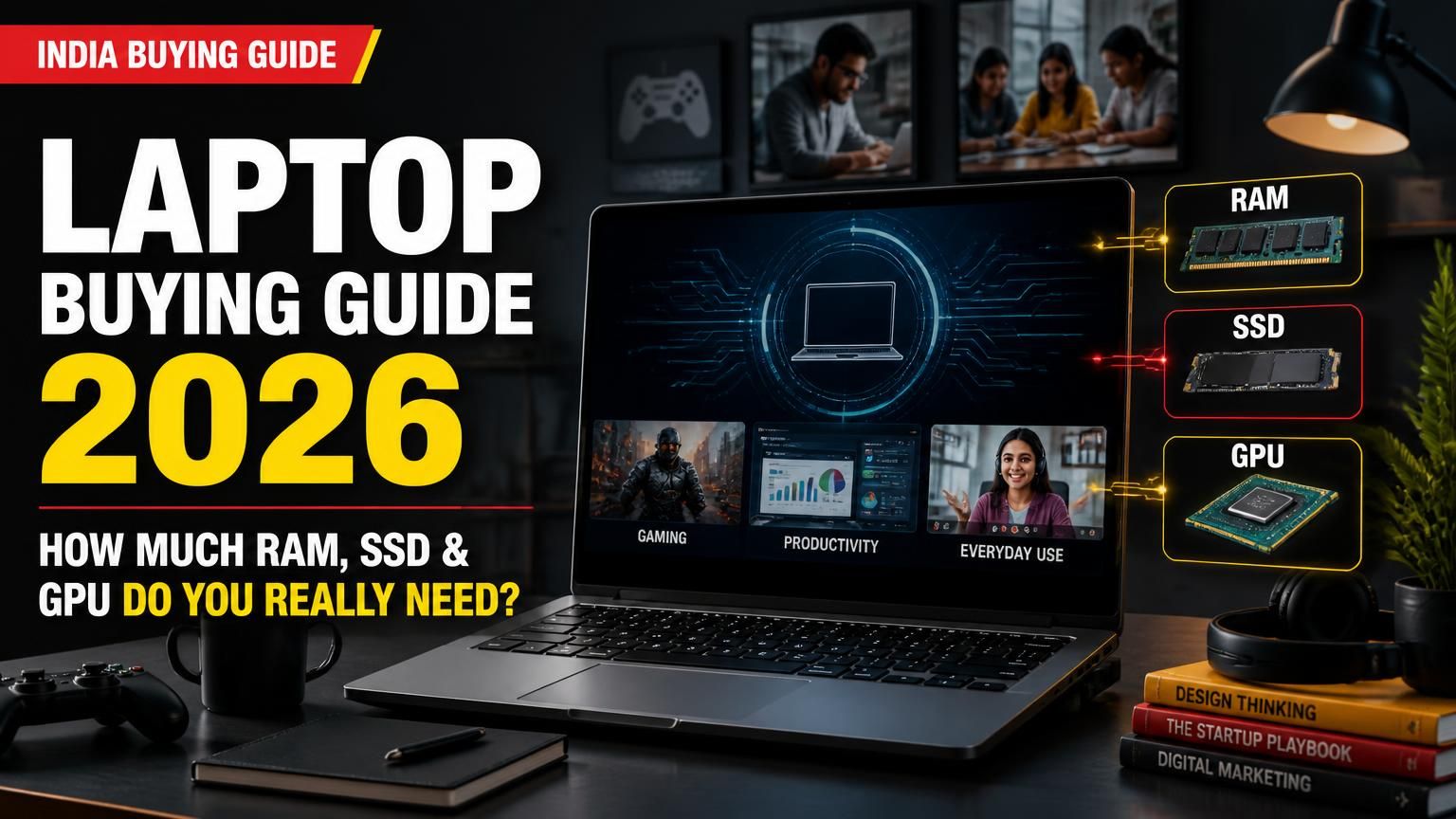
Laptop Buying Guide India 2026: How Much RAM, SSD and GPU Do You Really Need?
A laptop purchase is easier when you start with the work you expect it to do rather than the processor badge printed on the box. Students, office users, designers and engineering learners have different hardware needs. This guide explains what to prioritise before spending your budget.
1. Match the laptop to your workload
| Use | Sensible starting point | Priority |
|---|---|---|
| Browsing, documents, online classes | Modern mid-range CPU, 16GB RAM, 512GB SSD | Keyboard, webcam, battery |
| Office and large spreadsheets | Mid-range CPU, 16GB RAM, 512GB–1TB SSD | RAM and display |
| Programming | Mid-range CPU, 16GB; 32GB for heavier tools | Upgradeability and compatibility |
| Photo/video editing | Higher-performance CPU, 16–32GB RAM | Colour-accurate screen and GPU |
| CAD and 3D | Check software requirements; often 32GB and discrete graphics | GPU compatibility and cooling |
| Gaming | Dedicated GPU and adequate cooling | Exact GPU power limit and screen |
These are starting points, not universal software requirements. Check the recommended hardware for the applications you actually use.
2. Compare exact processor models
Intel Core, Core Ultra and AMD Ryzen names cover multiple generations and power classes. A Core Ultra badge or Ryzen 7 label alone does not prove that one laptop is faster.
Compare the complete processor number, generation, core configuration, power limits, integrated graphics and independent tests of the exact laptop. Cooling and chassis design affect sustained performance.
Intel's mobile suffixes such as H, U and V indicate different design priorities. Treat them as clues, not a complete performance ranking. AMD's Ryzen AI families also span different performance and power classes.
3. How much RAM is enough?
For a new general-purpose Windows laptop, 16GB is a sensible multitasking target. Consider 32GB for large CAD projects, video editing, virtual machines, emulators and demanding development workloads.
Check whether memory is soldered or upgradeable. If it cannot be upgraded, choose a capacity that will remain adequate over the laptop's expected life. System RAM is not the same as dedicated graphics memory.
4. SSD storage: 512GB or 1TB?
A 512GB SSD is a practical starting point for study, office work and moderate applications. Choose 1TB if you keep large games, video footage, datasets or project files locally.
Check the exact model's M.2 slots and upgrade limits. A product series may contain configurations with different storage arrangements.
5. Integrated graphics or dedicated GPU?
Integrated graphics are suitable for everyday work, video playback and many light creative tasks. A dedicated GPU is useful when a game or application benefits from it, but the GPU name alone is not enough.
Laptop graphics performance depends on power limits, cooling, memory and the manufacturer's configuration. For CAD or 3D, check the software vendor's driver guidance. For gaming, compare tests at your intended resolution.
6. The display matters every day
Check the exact panel rather than relying on phrases such as “vivid display”.
- Resolution: Full HD is a reasonable baseline; 1920 × 1200 or another 16:10 panel adds vertical workspace.
- Panel: IPS and OLED differ in contrast, viewing characteristics and power use.
- Brightness: compare the manufacturer's stated figure and view it in person if possible.
- Colour: creators should check stated colour-gamut coverage.
- Refresh rate: higher rates help compatible gaming, but are not essential for office work.
- Ergonomics: inspect keyboard comfort, webcam quality, hinge stability and screen wobble.
7. Battery, charger and ports
Battery capacity in watt-hours (Wh) is more useful for comparing stored energy than an “all-day battery” claim. Actual runtime depends on brightness, workload and power settings.
Compare laptop and charger weight together. For USB-C charging, verify supported wattage and whether the supplied adapter is adequate. Check USB-A, USB-C, HDMI, audio, card-reader and Ethernet ports against your actual needs.
8. Windows 11 and software compatibility
Windows 10 reached end of support on 14 October 2025. Microsoft says regular security updates and technical assistance ended then; eligible consumer devices can use Extended Security Updates through 12 October 2027.
For a new laptop, check Windows 11 support and whether a properly licensed operating system is included. Windows 11's minimum requirements of 4GB RAM and 64GB storage are installation minimums, not sensible buying targets for modern multitasking.
Windows on Arm can run many x86 and x64 applications through emulation, but specialist software, peripherals and kernel-mode drivers may not be compatible. Confirm support with the application publisher before buying.
9. Warranty and total cost
Compare the final cost, not just the headline price. Check Windows activation, Office or Microsoft 365 entitlements, warranty duration, accidental-damage cover, local service availability and upgrade conditions. Include any necessary hub, bag, mouse or software subscription in your budget.
10. Buying checklist
1. List your main applications and their recommended hardware.
2. Compare complete processor model numbers.
3. Target 16GB RAM for general use; consider 32GB for demanding work.
4. Choose 512GB SSD or more according to storage needs.
5. Pay for a discrete GPU only when your workload benefits.
6. Check panel type, brightness and colour coverage.
7. Compare battery Wh and total carry weight.
8. Verify Windows 11 and specialist software compatibility.
9. Check upgradeability, warranty and service.
10. Compare final prices across authorised sellers.
Frequently asked questions
Is 8GB RAM enough in 2026?
It can handle light browsing and documents. For a new Windows laptop intended for several years of multitasking, 16GB is a more comfortable target.
Is Core Ultra always better than Core i7?
No. Compare exact models, generations, power configuration and laptop-level tests.
Do I need a dedicated GPU for programming?
Not for most web development or introductory coding. It becomes relevant for certain machine-learning, 3D, CAD, simulation and gaming workloads.
Is a 1TB SSD necessary?
No. Many users can start with 512GB. Choose 1TB for large projects, games, video or datasets.
Should I buy a Snapdragon Windows laptop?
It can suit users prioritising battery life and supported everyday apps. Verify specialist software, drivers, peripherals and development tools first.
Final verdict
For many Indian students and office users, a modern processor, 16GB RAM, 512GB SSD, good Full HD or 16:10 display and licensed Windows 11 make a balanced starting point. Spend more on 32GB RAM, larger storage or a dedicated GPU only when your real workload justifies it. The exact model configuration matters more than the badge on the product page.
Sources and further reading
- Microsoft, Windows 10 support ended: https://support.microsoft.com/en-us/windows/deployment/updates-lifecycle/windows-10-support-has-ended-on-october-14-2025
- Microsoft, Windows 11 system requirements: https://support.microsoft.com/en-us/windows/experience/compatibility/windows-11-system-requirements
- Intel, Core Ultra processor names and numbers: https://www.intel.com/content/www/us/en/support/articles/000097596/processors/intel-core-ultra-processors.html
- Intel, processor suffixes: https://www.intel.com/content/www/us/en/support/articles/000058567/processors/intel-core-processors.html
- AMD, Ryzen AI 7 450 specifications: https://www.amd.com/en/products/processors/laptop/ryzen/ai-400-series/amd-ryzen-ai-7-450.html
- Microsoft Learn, Windows on Arm emulation: https://learn.microsoft.com/en-us/windows/arm/apps-on-arm-x86-emulation


