
NPCI MyUPI in India: Track UPI Payments, Review AutoPay Mandates and Raise Complaints
Many people use more than one UPI app. A payment may be made through one app, a subscription mandate created in another, and a complaint handled through a bank or payment provider. Keeping track of those separate journeys can be inconvenient.
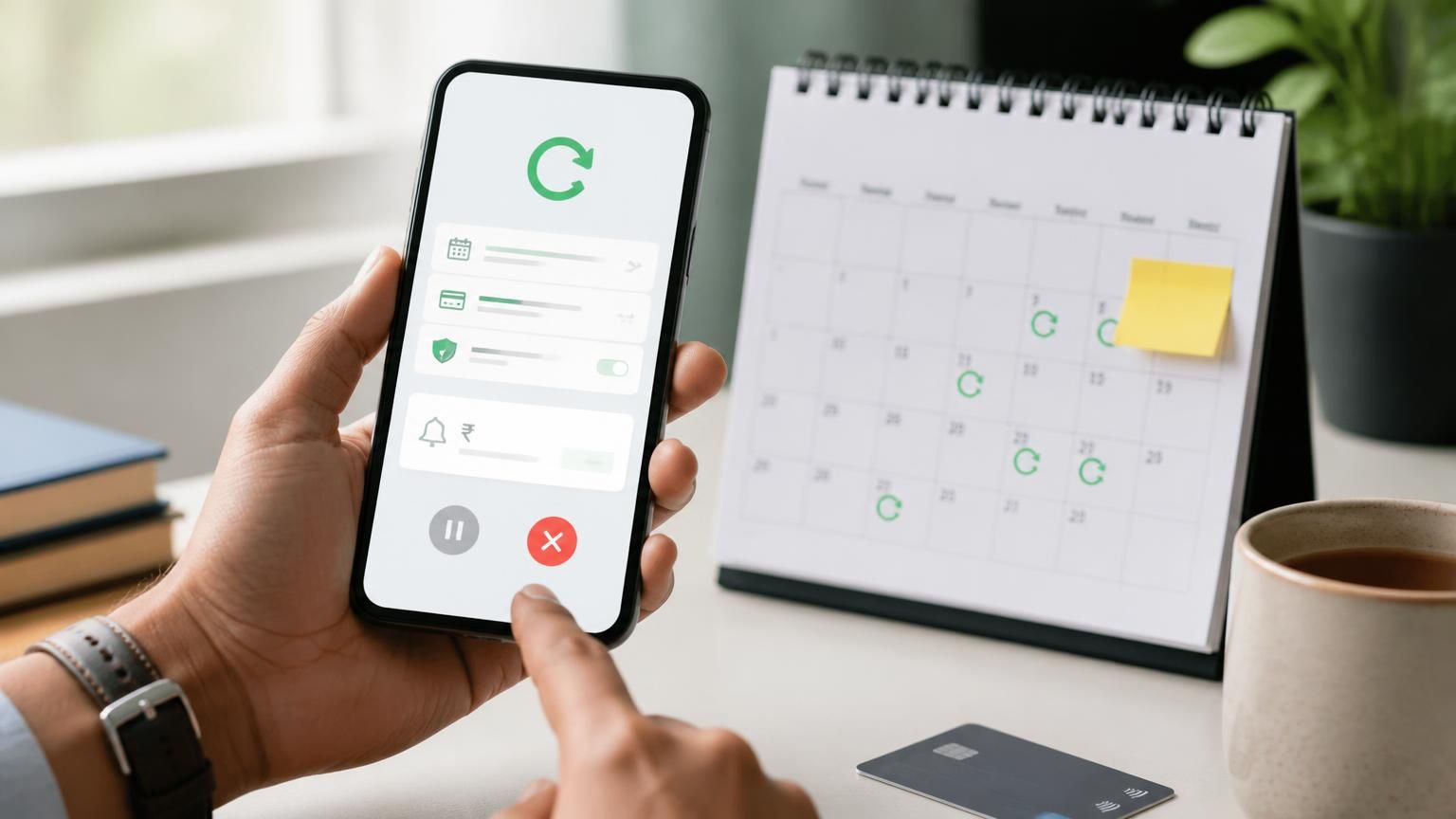
NPCI's MyUPI is designed to bring several UPI support tasks into one place. NPCI describes it as an AI-powered support platform that can show transaction activity and UPI AutoPay mandates across apps and linked accounts, help users raise and track complaints, provide payee context and answer UPI questions. It is available through the NPCI or DigiSaathi website, participating bank websites and supported UPI apps; a separate app download is not required for the web route.
This guide explains what the official MyUPI page says it can do, how to access it and where its limitations matter.
What can you do with MyUPI?
| Feature | What NPCI says it supports |
|---|---|
| UPI transaction view | A unified view of UPI transaction history across apps and accounts |
| AutoPay mandates | View active mandates and get help with pause, resume or revoke journeys |
| Complaint support | Raise and track complaints for failed or disputed transactions |
| Payee context | Enter a UPI ID or upload a QR to see available information about a payee |
| Transaction replay | Re-initiate an earlier payment with details prefilled, subject to supported app and transaction types |
| Safety Switch | Request decline of UPI debit transactions across selected linked accounts through supported apps |
| UPI help | Ask questions and receive help in everyday language |
The exact feature set depends on how you access MyUPI. NPCI notes that some features requiring a UPI app are not available on the web route.
How to access MyUPI
Option 1: Use the web route
NPCI says users can access MyUPI from the NPCI website, DigiSaathi or a participating bank website.
1. Open the official NPCI MyUPI page: https://www.npci.org.in/product/myupi.html
2. Follow the MyUPI access link from the official page or your bank's supported channel.
3. Enter your mobile number.
4. Complete the captcha and accept the terms shown.
5. Enter the OTP sent to your mobile number.
6. Use the available quick actions or type your UPI question.
On the web route, NPCI notes that features requiring a UPI app, such as Transaction Replay and Safety Switch, are not available.
Option 2: Open MyUPI inside a supported UPI app
If your UPI app supports MyUPI integration:
1. Open the supported UPI app where you are already signed in.
2. Find and tap the MyUPI tab or entry point.
3. Follow the one-time consent prompt if it appears.
4. NPCI says the in-app route does not require a separate OTP when the app has already verified the user on that device.
5. Use the features available through that app integration.
NPCI states that the consent prompt may be requested once every 60 days. The full feature set is available only through supported apps; availability should be checked in the app itself.
Review UPI AutoPay mandates before the next debit
AutoPay mandates can be created for recurring payments such as subscriptions and other authorised collections. If you have used multiple UPI apps, it may be difficult to remember where each mandate was created.
MyUPI is intended to show active mandates in a unified view and guide users through lifecycle actions such as pause, resume or revoke. NPCI explains that the service redirects users to the respective UPI app through which the mandate was set.
A careful approach:
1. Review the merchant name, mandate details and next debit information shown.
2. Confirm that you no longer need the recurring payment before changing it.
3. Use the relevant pause, resume or revoke action.
4. Complete the action in the original UPI app if redirected.
5. Check the mandate status again and retain any confirmation.
Do not assume that deleting a merchant's app or uninstalling a UPI app cancels an active mandate. Use the mandate-management route and verify the status.
Raise and track a UPI complaint
NPCI says MyUPI can help users report a payment problem, including cases where money left the account but the beneficiary did not receive it, a payment remains stuck or a duplicate charge appears.
The platform can accept supporting proof such as a transaction screenshot. NPCI says the complaint is sent to the user's bank or issuer for action and a complaint reference number (CRN) is provided for tracking.
Before raising a complaint, keep:
- UPI transaction ID or reference number.
- Date and amount.
- Payer and beneficiary details as displayed in the app.
- Merchant order number, if it is a purchase.
- A screenshot or other supporting evidence, after hiding unrelated personal information.
A support platform does not itself guarantee that a disputed amount will be refunded. The bank or issuer reviews the case and the applicable dispute process. For suspected fraud, contact your bank immediately using its official channel and report the incident promptly; do not wait only for a chatbot response.
Check payee information before paying
NPCI describes a payee-context feature that lets a user enter a UPI ID or upload a QR code to view available information about the beneficiary, such as whether the payee appears active on UPI based on recent transactions.
Treat this as an additional information layer, not a guarantee that a payment request is genuine. Always verify the recipient's name and purpose independently. A fraudster can still present a valid UPI ID or QR code.
Transaction Replay and Safety Switch: app-only limitations
Transaction Replay
When opened from a supported UPI app, MyUPI can help re-initiate an earlier payment with details prefilled. NPCI says the feature supports person-to-person payments and static-QR merchant payments. The user must review and authorise the transaction in the UPI app before it is sent; details such as amount can be changed.
This is not an automatic repeat debit. Check the recipient and amount carefully before approving.
Safety Switch
NPCI describes Safety Switch as an additional control that can request UPI debit transactions to be declined across selected UPI-linked accounts. It is available through supported UPI apps, not the web route.
NPCI specifically notes that Safety Switch does not replace contacting the bank or issuer. Certain debit categories, including IPO, RDS and secondary-market transactions, may continue as usual. If you suspect account compromise, contact the bank immediately and follow its account-blocking and fraud-reporting process.
MyUPI safety checklist
- Access MyUPI through the official NPCI, DigiSaathi, bank or supported UPI-app route.
- Never share your UPI PIN, OTP, card PIN or password with anyone.
- A UPI PIN is used to authorise a debit; do not enter it to receive money.
- Verify the beneficiary name and amount before approving.
- Do not scan an unknown QR code or approve a collect request just to receive a refund.
- For suspected fraud, contact your bank immediately through its official app, website or phone number.
- Keep complaint reference numbers and transaction IDs for follow-up.
FAQs
Is MyUPI a separate app I need to download?
NPCI says no app download is needed for the web route. Users can access it from the NPCI or DigiSaathi site, a participating bank website or a supported UPI app.
Can MyUPI show AutoPay mandates created in different UPI apps?
NPCI describes a unified view of active UPI AutoPay mandates across apps and accounts. Lifecycle actions such as pause, resume or revoke may redirect the user to the original UPI app.
Can I use all MyUPI features on the website?
No. NPCI says features that require a UPI app, including Transaction Replay and Safety Switch, are not available through the web route.
Does MyUPI guarantee a refund for a failed UPI payment?
No. It can help raise and track a complaint and route information to the bank or issuer. The bank or issuer handles the review and decision.
Is the Safety Switch a replacement for calling my bank?
No. NPCI says it is an additional safety step and does not replace contacting the bank or issuer for blocking, account-level controls or fraud reporting.
Final verdict
MyUPI is worth knowing about if you use several UPI apps, have recurring mandates to monitor or need a central support route for transaction questions. Its most practical use may be visibility: seeing payment activity and active mandates together can help you spot a forgotten subscription or find the right complaint path. Remember that app-only features are not available on the web route, and urgent fraud cases still require direct contact with your bank.