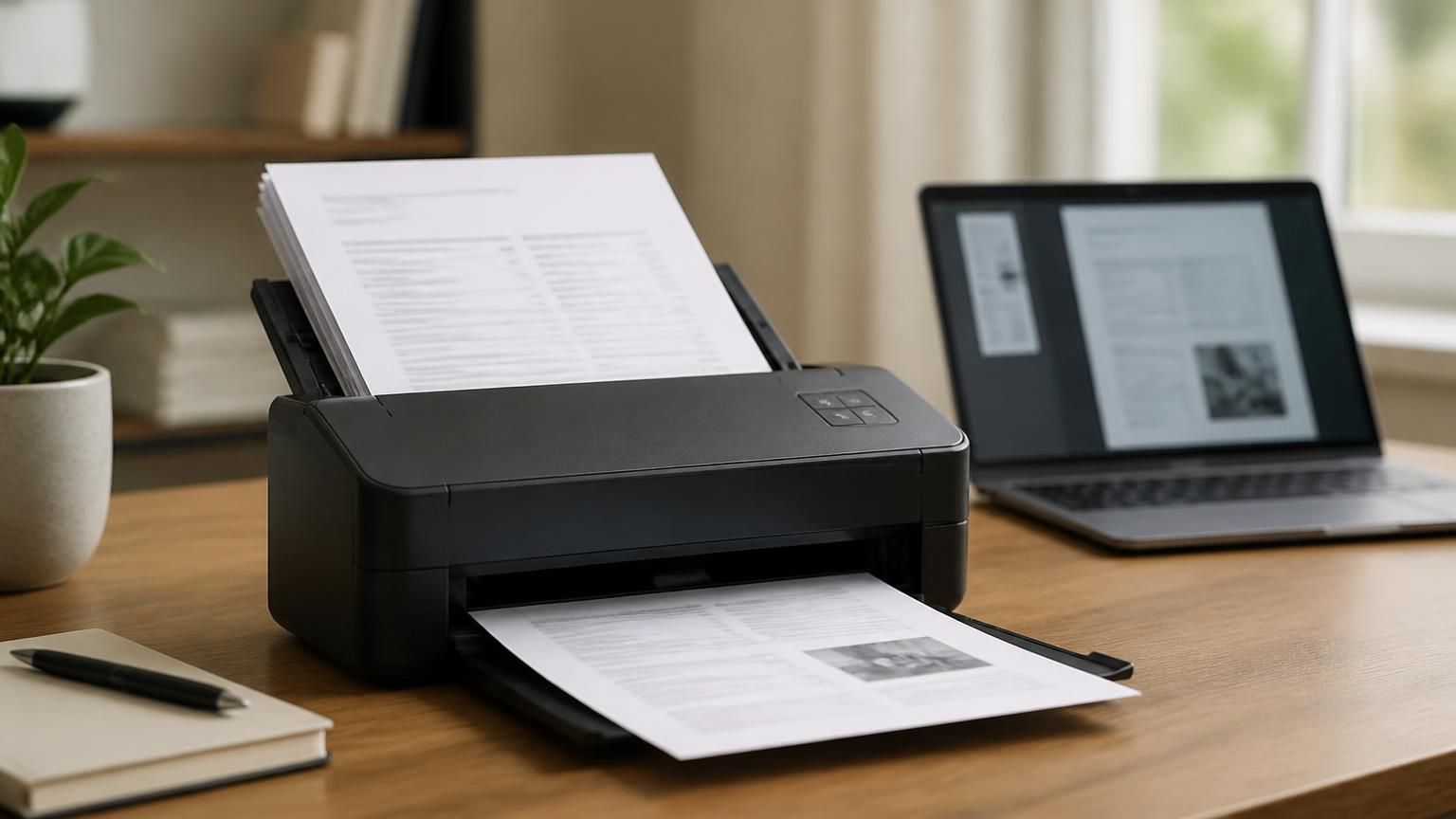

Bank statements, identity documents, invoices, salary slips and old address labels can contain information that should not go straight into household waste. A paper shredder makes disposal more controlled, but choosing one involves more than counting how many sheets fit into the feed slot. Cut size, security level, duty cycle, bin volume and the type of material you need to destroy all affect the right choice.
1. Choose security before capacity
Shredders are commonly described as strip-cut, cross-cut or micro-cut. Strip-cut machines turn paper into long ribbons and are generally suited only to low-risk material. Cross-cut machines cut in two directions, producing smaller particles. Micro-cut models produce still smaller particles and are appropriate where document confidentiality is more important.
Look for a stated security classification under DIN 66399 (also referenced as ISO/IEC 21964). For paper, the class is identified with a P-level. Higher P-level numbers indicate smaller particles and greater destruction security. Fellowes' selection guide describes P-1/P-2 as basic strip-cut levels, P-3/P-4 as cross-cut or finer categories, and P-5 and above as higher-security options. Confirm the exact cut dimensions in the manufacturer's datasheet rather than relying on the marketing term alone.
| Typical need | What to consider | Practical note |
|---|---|---|
| Junk mail without personal data | Basic strip-cut may be adequate | Do not use for sensitive records |
| Routine household paperwork | Cross-cut, often P-3 or P-4 | Check the exact particle size |
| Bank, tax and identity records | Fine cross-cut or micro-cut, often P-4/P-5 depending on risk | Choose the required security level, not just the word “micro” |
| Highly confidential business material | Higher P-level selected under an information-security policy | Check legal, contractual and organisational retention rules first |
2. Understand sheet capacity and duty cycle
Advertised sheet capacity is the maximum number of sheets a machine is designed to accept in one pass under specified paper conditions. It is not necessarily the number you should feed continuously. Paper thickness, humidity, staples and the condition of the cutting mechanism can affect performance. A machine rated for 8 sheets may be more comfortable for routine use than a small unit that must be pushed to its limit.
Duty cycle describes how long a shredder can run before it needs to cool down. Some personal machines run for only a few minutes and then require a longer rest. Others are designed for longer continuous operation. If you periodically destroy a large archive, compare the run time and cool-down time, not just sheet capacity.
3. Match bin capacity to your workload
A small bin fills quickly, especially with micro-cut particles. A larger bin reduces emptying frequency but increases the footprint and weight of the machine. Check whether the bin is a pull-out drawer or a lift-off head design, whether it has a full-bin indicator, and whether the shredded waste can be removed without spilling. For a shared office, a high-capacity bin can be more convenient than a slightly faster motor.
4. Check what else it can shred
Do not assume that every shredder accepts staples, paper clips, credit cards, CDs or plastic cards. Some models allow staples but not paper clips; others have a separate slot for cards. A cross-cut paper shredder is not automatically suitable for destroying optical media. Follow the exact manufacturer's material list and feed instructions.
5. Anti-jam and safety features
- Auto reverse or jam prevention: Can help clear an overload or reduce the likelihood of a jam.
- Overheat protection: Stops the motor if it becomes too hot; respect the cool-down indicator.
- Bin-full sensor: Helps prevent compacted waste from backing up into the cutters.
- Safety interlock: Stops operation when the head or bin is not correctly positioned.
- Accessible power switch: Useful for switching off the machine after use.
Keep fingers, loose clothing, hair and jewellery away from the feed opening. Do not reach into the cutters to clear a jam while the machine is connected to power. Unplug it and follow the manufacturer's clearing procedure. Keep the shredder away from children and pets.