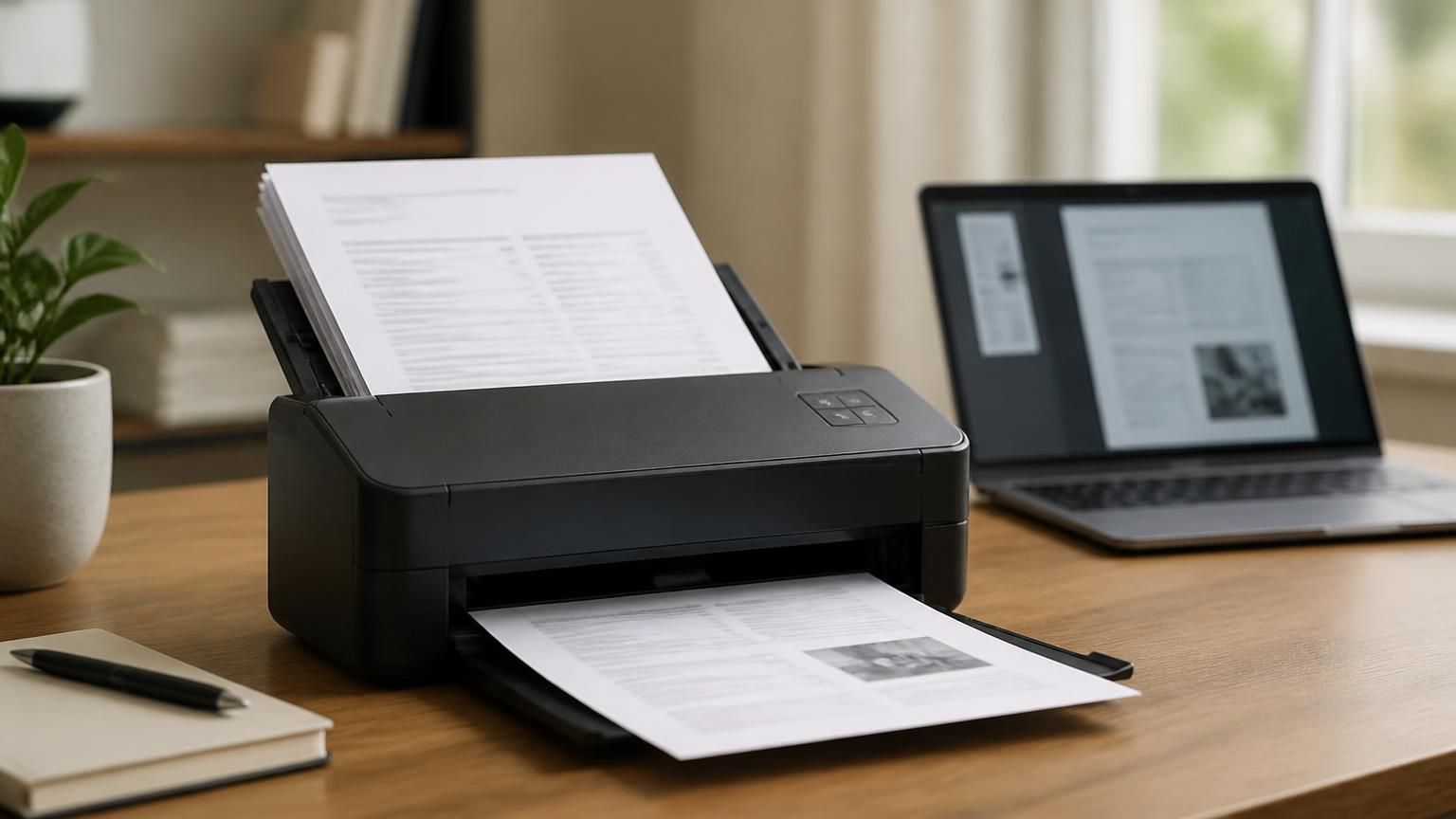
Digitising bills, certificates, study notes, signed forms and office records is easier with a dedicated document scanner than with a phone camera when you need consistent, straight and searchable files. But scanner designs differ significantly. A flatbed is convenient for books and fragile originals, while a sheet-fed scanner can process a stack of pages quickly. Before buying, consider what you scan, how many pages you handle and whether both sides need to be captured automatically.
1. Flatbed, sheet-fed or portable?
| Scanner type | Best suited to | Main limitation |
|---|---|---|
| Flatbed | Books, passports, certificates, photos and fragile originals | Each page is placed manually; batch scanning is slower |
| Sheet-fed with ADF | Stacks of loose A4 documents and routine office paperwork | Bound books, delicate sheets and unusual shapes may not feed safely |
| Portable sheet-fed | Mobile workers, travel and occasional small batches | Often has a smaller feeder or requires manual feeding |
| Flatbed plus ADF | Mixed workloads: books and loose multi-page documents | Larger footprint and usually higher cost |
If you frequently scan bound textbooks, passports or old documents, a flatbed is the safer choice. If you scan invoices, forms and multi-page contracts, an automatic document feeder (ADF) can save substantial time. A combined flatbed-and-ADF model offers flexibility when the budget and desk space allow it.
2. ADF capacity and paper handling
ADF capacity is the number of sheets that can be loaded into the feeder at once. A larger feeder reduces the need to reload during long jobs, but it does not determine how many pages the scanner can process in a day. Check supported paper sizes and weights, minimum document size, long-paper support and whether the feeder can handle receipts, business cards or plastic ID cards.
Look for multi-feed detection, which can alert you if two sheets are pulled through together. This is useful when scanning thin pages, mixed paper or documents with sticky notes. Remove staples and paper clips unless the manual explicitly permits them, and do not feed torn or curled pages without preparing them as instructed.
3. Simplex versus duplex scanning
Simplex scanning captures one side of a sheet. Duplex scanning captures both sides automatically. Some scanners use a single-pass duplex mechanism with sensors on both sides; others turn or re-feed the sheet. If you regularly digitise two-sided bank statements, forms or contracts, check that automatic duplex scanning is included rather than relying on a manual flip workflow.
Manufacturers may quote speed in pages per minute (ppm) and images per minute (ipm). One sheet scanned on both sides creates two images. A rating of 25 ppm simplex and 50 ipm duplex is not the same measurement as 50 ppm. Compare speed at the resolution, colour mode and paper size you expect to use.
4. Optical resolution: do not confuse it with interpolated DPI
Optical resolution describes the detail captured by the scanner's imaging hardware. Interpolated or enhanced resolution is software-generated and does not add the same real optical detail. For everyday text documents, 200–300 dpi is often sufficient; higher settings can help with small print, diagrams or archival work but create larger files and slow down scanning.
For photos or artwork, image quality depends on more than the maximum DPI number. Sensor quality, colour accuracy, lighting, dust removal and software all matter. If photographs are a major use case, consider a flatbed scanner designed for photo work rather than a basic document feeder.
5. OCR and searchable PDFs
Optical character recognition (OCR) converts text in an image into machine-readable text. It can make a PDF searchable and may allow text export to editable formats. OCR accuracy depends on print quality, language, font, page alignment and software. A scanner that advertises OCR may rely on a bundled application or subscription, so check whether the software supports the languages and file formats you need.
For Indian documents, verify support for the scripts you actually scan, including English and relevant Indian languages. Do not assume that every OCR package can accurately recognise Hindi or other regional-language text just because it can create searchable English PDFs.